
My PC Off, Our Minecraft Server on GCP
The connection, recovery, and backup problems encountered while moving a Windows Minecraft world to a GCP preemptible VM
The images in this post were generated with generative AI.

At first, I ran the Minecraft server on my Windows PC at an agreed time. A few friends would join, and I would shut it down after everyone left. That was enough when we all gathered at the same time for a short session. If something broke, I could look at the screen and restart it. If I wanted to change a setting, the files were right there on the same computer.
As we spent more time in the world, our schedules drifted apart. Someone would continue a building the next day, while another friend would later discover what the first person had left behind. One friend wanted to build alone late at night.
Whenever I used the PC for something else or turned it off, their world closed too. Friends began messaging me to open the server, which meant turning on my computer for them. They needed to enter yesterday’s world even when I was away. I decided to separate the server from my daily schedule.
Choosing a VM That Stopped Every Day
I considered dedicated Minecraft hosting, separate hardware, and Oracle Cloud’s free plan. At the time, I did not know how often a handful of friends would connect, how many plugins we would add, or how large the world would become. Instead of committing to a fixed specification, I wanted to run the server myself and adjust CPU and memory as I learned. I chose GCP Compute Engine, which then offered 90 days of trial credit.
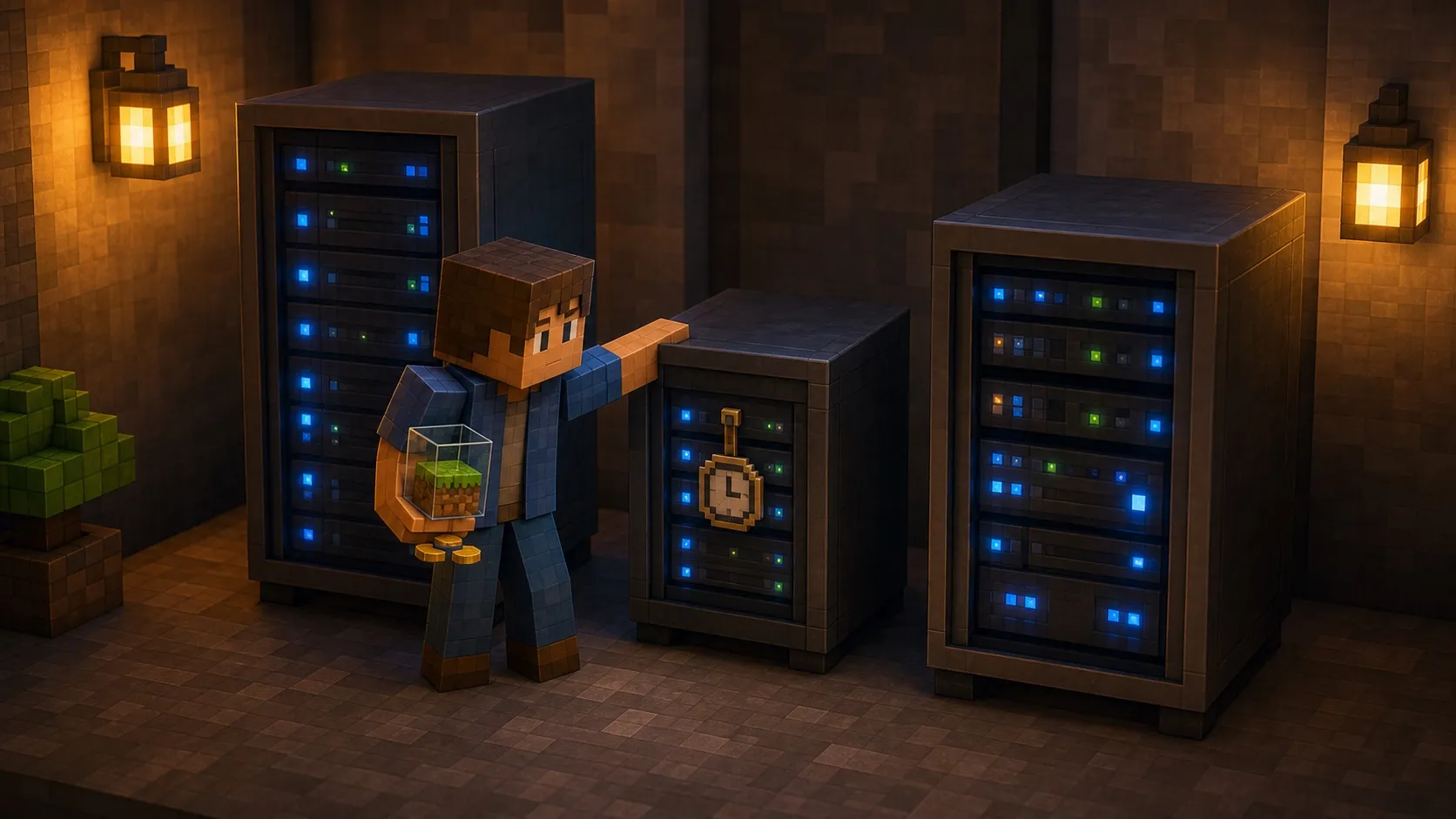
To stretch the credit, I chose the older preemptible VM offering. It cost less than a regular VM, but GCP could reclaim it at any time, and it was guaranteed to stop after 24 hours. In building a server friends could reach anytime, I had picked a machine that could not stay on past a day.
Choosing that VM also meant building a way to start it again after every stop. Terraform described the VM and network, and a function outside the VM requested a start when it received a shutdown event. Inside the VM, systemd started Minecraft after boot. Code inside a powered-off VM cannot do anything, so I separated turning on the machine from starting the game server.
On most days, the function restarted the VM and systemd brought Minecraft up. Soon afterward, friends could reconnect to the same world. At least I no longer had to open the cloud console and press the start button every day.
Automatic Recovery for a Preemptible VM on GCP
The World Moved, but the Server Would Not Open
When I copied the world and configuration from Windows to the VM, the buildings, items, and player progress all arrived intact. Java was running too, but Minecraft was not accepting connections.
The cause was a server-ip value carried over from the old computer. I had treated the public
address friends used to connect as if it were also the address Minecraft should bind inside the VM.
The new VM did not own that address, so Minecraft could not even open its listening port. After
clearing the value, I checked the process, local port, public IP, and firewall in order. Only then
could friends connect again.
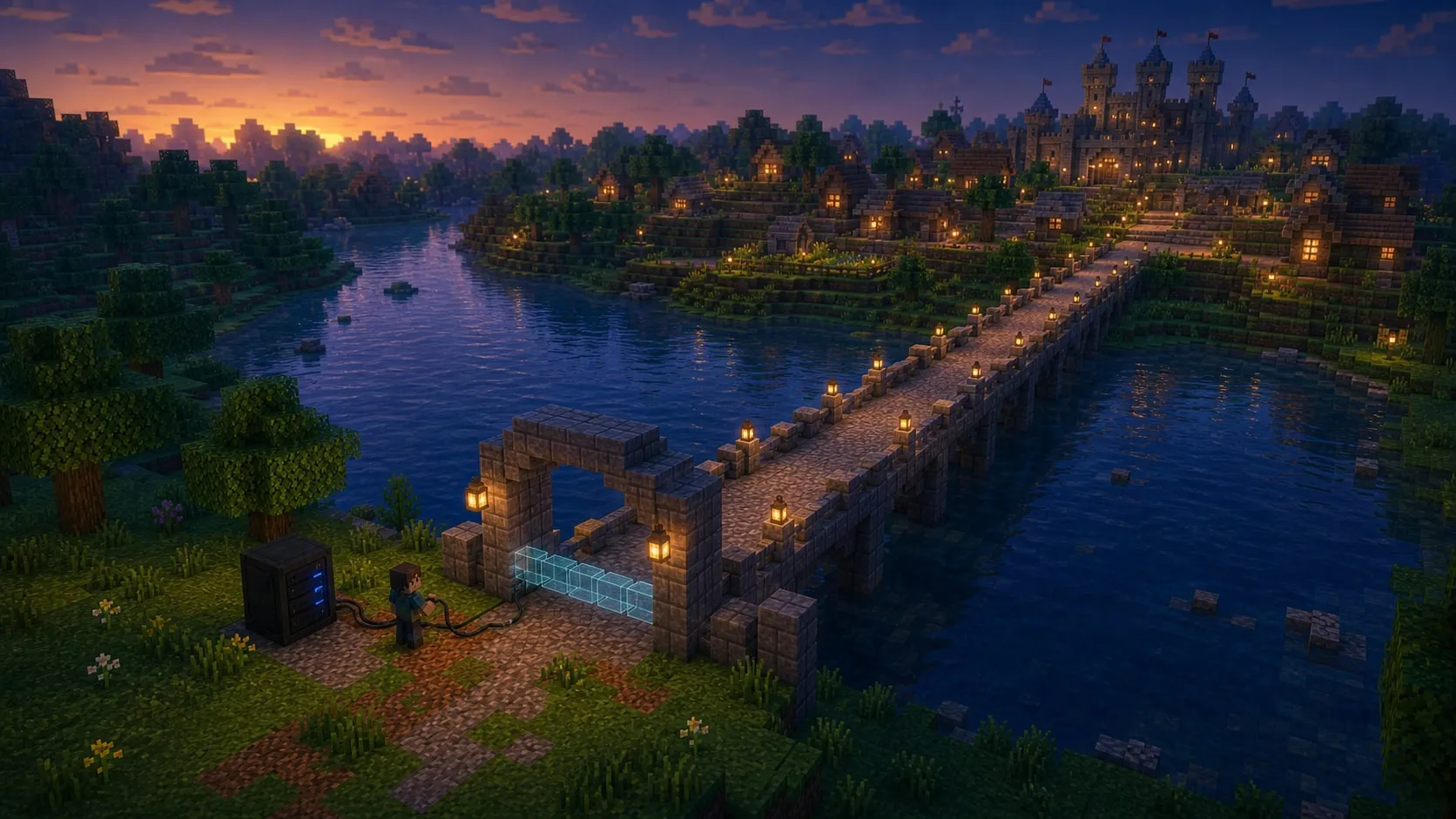
The world files were portable, but operating-system paths and network configuration still had to
fit the new VM. The single server-ip line was part of that boundary.
External Connectivity After a Server Migration
Missing Blocks After Reconnecting
Recovery did not always succeed. Sometimes I learned about a failure only when a friend said the server would not open. I would then press the VM start button in the GCP console. Minecraft followed the boot process, so I did not need to start the service separately.
Some days were worse. The server came back and everyone could connect, but blocks placed moments earlier or recently collected items had reverted to an older state.
The entire world was not corrupted or lost. Instead, we experienced several rollbacks that removed some play since the last save. I did not record recovery success, failure times, and save times together. The evidence that remains is not enough to attribute the restart failures and rollbacks to one cause.
A RUNNING label in the VM console was not enough. Minecraft had to accept connections and load the
latest play state before friends could continue. I automated starting the VM, but that automation
could not bring back missing blocks or items.
VM Restart and Minecraft Readiness
One Daily Backup After the Rollbacks
After losing recent play, I began backing up the world and configuration once a day. When nobody was connected, the job sent a save command and compressed the files. It added a timestamp, uploaded the archive to Cloud Storage outside the VM, and reported success in Discord.
That backup was meant to recover the entire world after losing a VM or disk. The failure I had actually experienced was different: an abrupt stop discarded play since the last save. A daily backup could not restore the block someone had just placed. Returning to an older archive could also mean abandoning everything played afterward.
Preventing a rollback required recent play to reach disk before the VM stopped. A backup created another place to return to if that saved state was lost too. At the time, I did not distinguish those problems clearly. A Discord message saying that an archive had reached Cloud Storage was enough to reassure me.
Minecraft World Backups and Isolated Restore
From the Cloud Console to Discord
When the server ran on my PC, I could look at the screen as soon as something went wrong. After the move to GCP, checking a VM or its logs meant opening the cloud console or SSH. On some days, a friend’s message was still the first sign that the server was down.
I began sending start, stop, and backup results to the Discord server where everyone already gathered. Later, we could check server status and connected players there, and perform a limited set of administrative actions such as managing the whitelist.
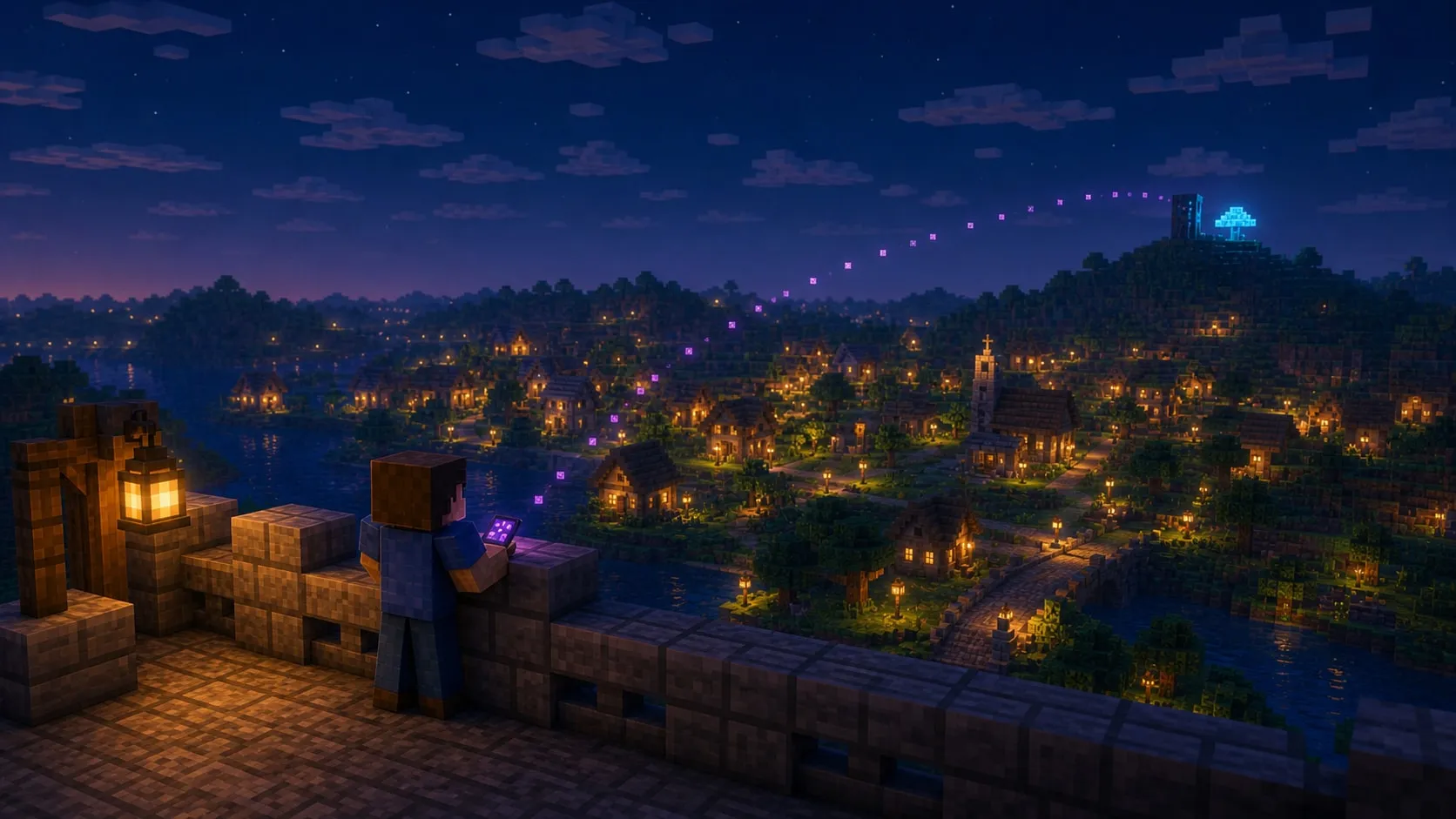
I opened the cloud console less often, but the authority granted to the bot grew. RCON is close to a Minecraft console. A user being present in a Discord channel was not enough reason to pass their input through unchanged. I separated read-only queries from changes and restricted the operations the bot could execute.
The Discord bot ran on the same VM as Minecraft. When the VM stopped, the bot stopped with it. The bot itself could not restart a powered-off VM, so that job always stayed with the function outside the VM.
Discord and RCON Operational Boundaries
1.56 Million Chunks in 15 Hours 53 Minutes
To reduce terrain-generation pauses when friends explored new areas, I used Chunky to pregenerate a 10,000-block radius. The records do not explain why I chose that radius.
The completion log recorded 1,565,001 chunks and 15 hours, 53 minutes, and 18 seconds. During the
same interval, the server logged 649 Can't keep up warnings and three player connections. The
evidence does not justify attributing every warning to Chunky. It does show that players connected
three times during a job I had expected to finish while nobody was around.
The job reached 100%. I did not measure how much smoother later exploration felt or how much the world and backup archives grew. I kept the completion log and its large numbers, but not a before-and-after record of the player experience.
Chunk Pregeneration and VM Capacity Planning
Decisions That Come Before VM Size
The preemptible VM let me test several machine sizes within the trial credit and work directly with GCP networking, VMs, permissions, and automation. Because I wanted to learn server operations, it was a useful laboratory.
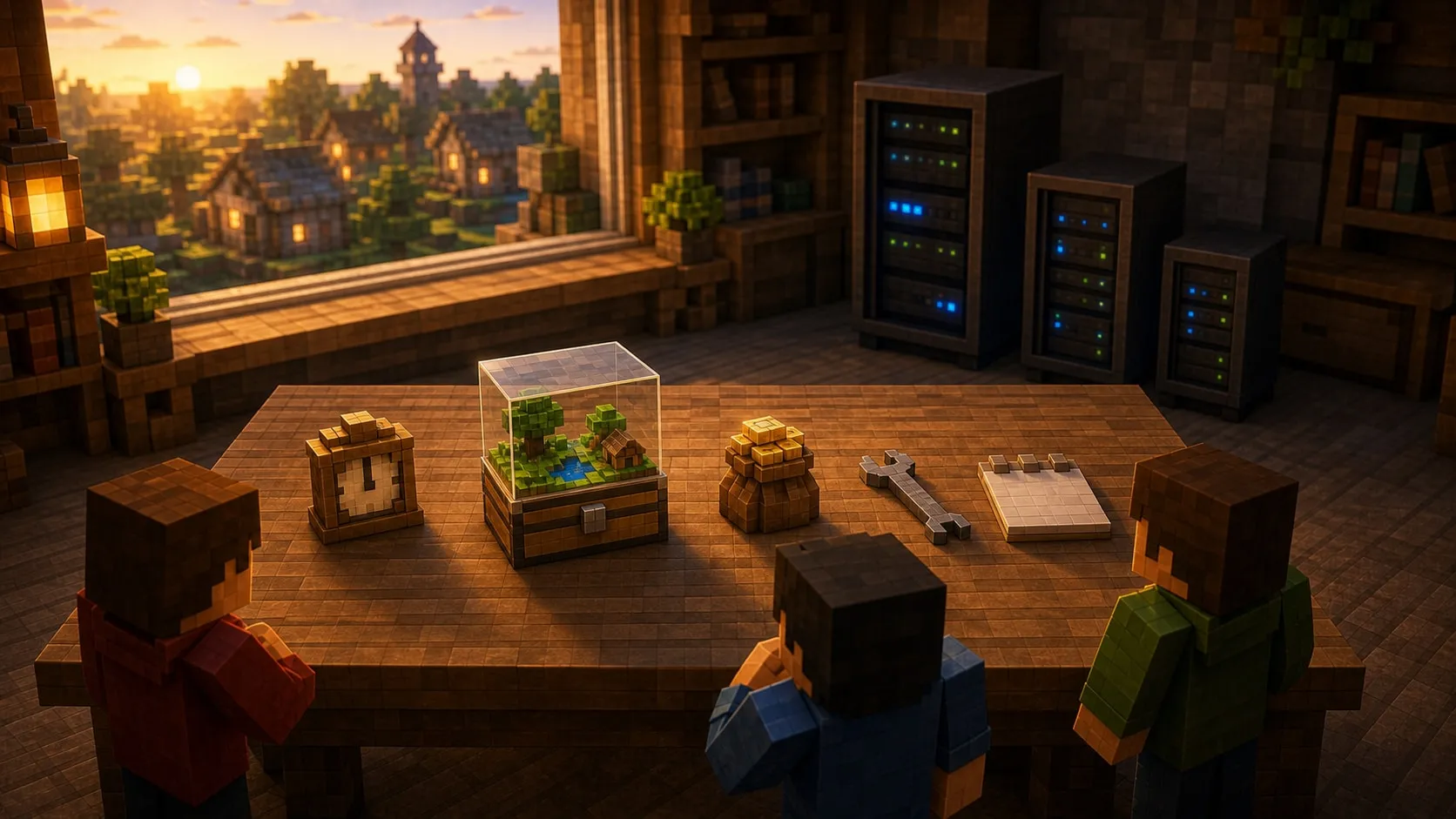
If the only goal had been convenient Minecraft, dedicated hosting or separate hardware might have been a better choice. Each option changes which power, networking, backup, and credential concerns I must own. I did not retain billing data or recovery success rates, so I cannot claim that GCP was ultimately cheaper.
If I started again, I would decide how long the server may remain unavailable, how much recent play we can afford to lose, how long I could keep responding to incidents myself, and how much monthly cost and maintenance time are acceptable before choosing a VM size. I would add only the automation required by those constraints.
At first, I thought the server was available whenever my computer was on. Once the world became a shared place, I tracked both server power and whether my friends’ work survived each restart.
The GCP Minecraft Server Architecture series reconstructs the recovery, network, backup, Discord, and capacity decisions from the surviving configuration and records.
References
Comments
No comments yet. Be the first to leave one.
Pending review